

Why hubs no longer play a role in production networks
A Hub forwards incoming data to all connected ports without checking the destination device. As it uses neither a MAC address table nor distributes data selectively, all devices share the same collision domain; furthermore, communication takes place only in half-duplex mode. This generates unnecessary data traffic and limits network performance, stability and efficiency.
With the rise of Ethernet switches in the 1990s and 2000s, the hub became technically obsolete. In enterprise networks, it has effectively disappeared for around 20 years and has been completely replaced by switches. (Source: Wikipedia)
Today, hubs only play a role in a few exceptional cases, such as in older legacy environments or for specific analysis requirements. We have a network of global procurement sources and suppliers, enabling us to assist you in sourcing suitable equipment. This also applies to products that have reached ‘End Of Life’ (EOL) status and are therefore no longer manufactured or supported by the manufacturer.
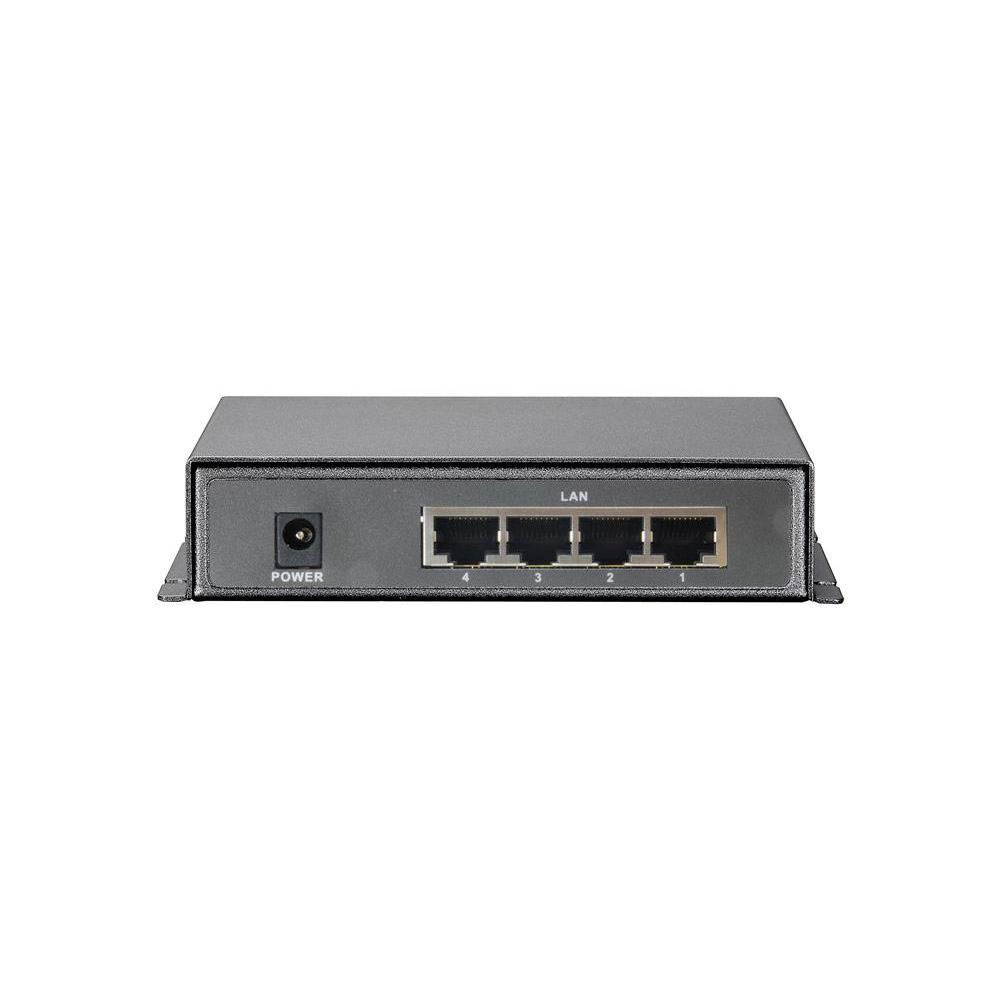
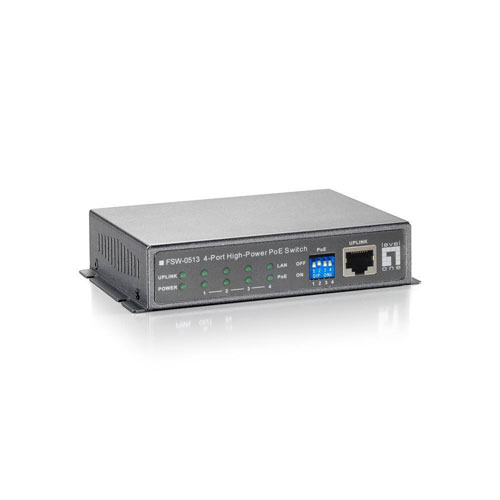
Switches are now standard in corporate networks
Unlike hubs, switches analyse the MAC address of a data packet and forward it directly to the correct port. Thanks to this targeted data transmission, switches are significantly more efficient than hubs. At the same time, they reduce unnecessary network traffic and lay the foundation for stable, scalable connections. Depending on the application, modern switches also offer features such as VLANs, Quality of Service or PoE, which can be crucial for professional network operations.
What are switches used for?
A switch is recommended for local networks with multiple devices that need to communicate with one another reliably, quickly and in a targeted manner.
Typical applications include:
- Workplace networks comprising multiple PCs, printers, IP telephones and other end devices
- Server connections with high data volumes and requirements for stable connections
- VLAN structures for the logical separation of departments, sites or security zones
- VoIP environments requiring reliable and, where possible, interference-free voice transmission
- Virtualised infrastructures with numerous parallel data streams between hosts, storage and the network
Switches are now the standard in corporate networks. Key factors in the selection process include transmission speed, supported protocols, management functions, and the number and type of ports, such as RJ45 or SFP ports.
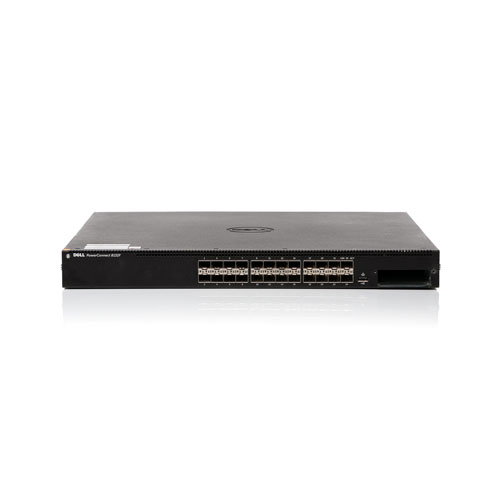
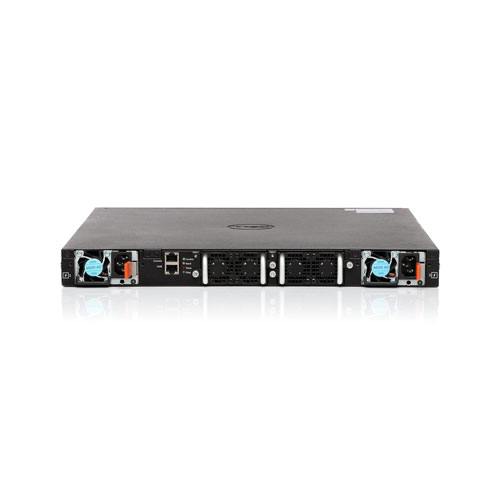
Routers connect local and external networks
Whilst hubs and switches transmit data within a local network, routers are used to transfer data between multiple networks. By using IP addresses, they identify the networks and determine the most efficient routes.
Typical tasks of a router:
- Internet access: Routers connect the local corporate network to the internet or a WAN, thereby providing the basis for email, cloud applications, web access and external services.
- NAT (Network Address Translation): They translate internal IP addresses into external addresses, enabling multiple devices to communicate securely via a shared public connection.
- Firewall functions: Many routers perform basic security tasks by filtering traffic and blocking unwanted access from other networks.
- VPN connections: Routers establish secure connections for home offices, mobile staff or remote sites, enabling protected access to internal systems.
- Site networking via WAN: They connect multiple company sites with one another and ensure that data can be reliably exchanged across sites.
As corporate networks are almost always connected to the internet, cloud services or other locations in practice, routers form part of the core infrastructure. When selecting a router, factors such as throughput, supported protocols and available interfaces play an important role alongside routing and security functions
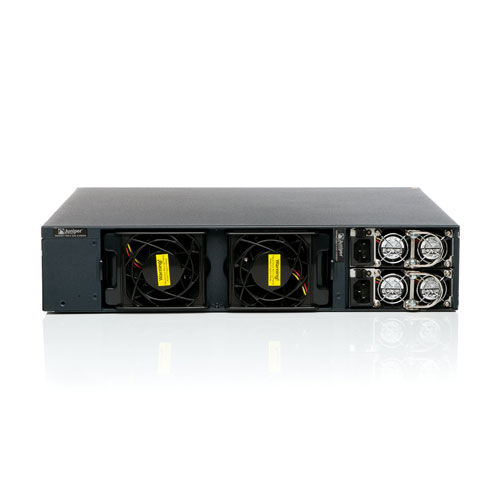
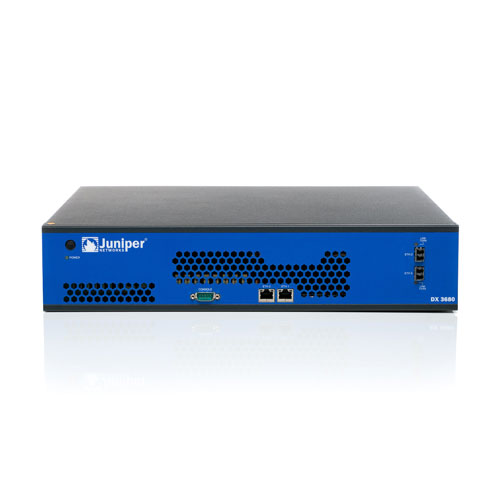
Router vs. Switch: The difference at a glance
The main difference between a switch and a router lies in their role within the network. Switches are responsible for internal network communication, for example between workstations, printers and servers.
Typical applications:
- Offices with multiple workstations: Switches connect PCs, printers, IP phones and access points within the same LAN.
- Server room: Switches connect servers, storage systems and virtualisation hosts to one another.
- Departments with VLANs: A switch logically separates departments such as accounts, sales and the guest Wi-Fi network from one another.
Routers handle connections to the outside world, such as the internet, other locations or cloud applications.
Typical applications:
- Connection to the internet.
- Multiple locations are connected to one another via WAN or VPN.
- Staff working from home access internal systems via VPN.
- A local company network is linked to cloud services or external data centres
Nowadays, routers and switches are indispensable in corporate communications. When making your selection, you should primarily consider your network’s requirements, such as size, data volume, security level and planned expansions. It is not a question of choosing between the two; what matters is, the right interaction between switches and routers.
Hubs vs. Switches vs. Routers: a comparison of the technical details
The technical differences between hubs, switches and routers are presented in the table below in a concise and easily comparable format.
| Feature | Hub | Switch | Router |
|---|---|---|---|
| OSI layer | Layer 1 | Layer 2 (partially 3) | Layer 3 |
| Data forwarding | Broadcast to all ports | Targeted via MAC | Targeted via IP |
| Collision domain | A shared | Separate per port | No classic collision domain |
| Speed | Low | High (Gigabit/10G) | Depends on model |
| Security | No | VLAN, port security | Firewall, NAT, ACL |
| Typical use | Legacy/Test | LAN infrastructure | Network connection, Internet |
| Complexity | Low | Medium | High |
| Functionality | Low | Medium | High |
| Targeted data forwarding | No | Yes | Yes |
| Cross-network communication | No | No | Yes |
| Price | Low | Medium | High |
Conclusion
Hubs are an outdated technology and are now only relevant in exceptional cases. Instead, the successful setup and operation of modern corporate networks depends on the right combination of switches and routers.
Switches ensure targeted and high-performance communication within the network, whilst routers connect the corporate network to external networks, sites and services. The right solution depends on the technical requirements, the existing infrastructure and the planned expansions. By ensuring the right architecture is in place at an early stage, you lay the foundations for stable, secure and long-term scalable IT operations.
Professional advice on switches, routers and hubs at it-market
At it-market.com, you’ll find the right switches and routers for your network. Are you looking for a hub instead? Then we can help you with that too. Thanks to our many years of experience, we are able to source even hard-to-find or scarce products for you and refurbish them to a high standard. All devices are available as new or fully refurbished by us and come with a warranty of up to 3 years for businesses.
Our experienced team can assist you with the technical assessment of more complex network architectures. Please feel free to contact us if you are planning to redesign your network infrastructure, expand it in a targeted manner or modernise existing components.
FAQ: Frequently asked questions about hubs vs. switches vs. routers
Which is faster: a hub or a switch?
Switches are significantly faster than hubs, as a switch prevents collisions and provides dedicated bandwidth per portWhat is a hub used for?
Hubs are now only used in a few specialist cases, such as in legacy infrastructures or specific analysis scenarios. They no longer play a role in productive corporate networks.When is a switch useful?
Switches are needed when businesses grow and multiple devices need to communicate efficiently and securely within a LAN.When is a router useful?
A router is needed as soon as you require access to the internet. Routers are now as essential as landlines once were and have become indispensable in both private households and businesses